
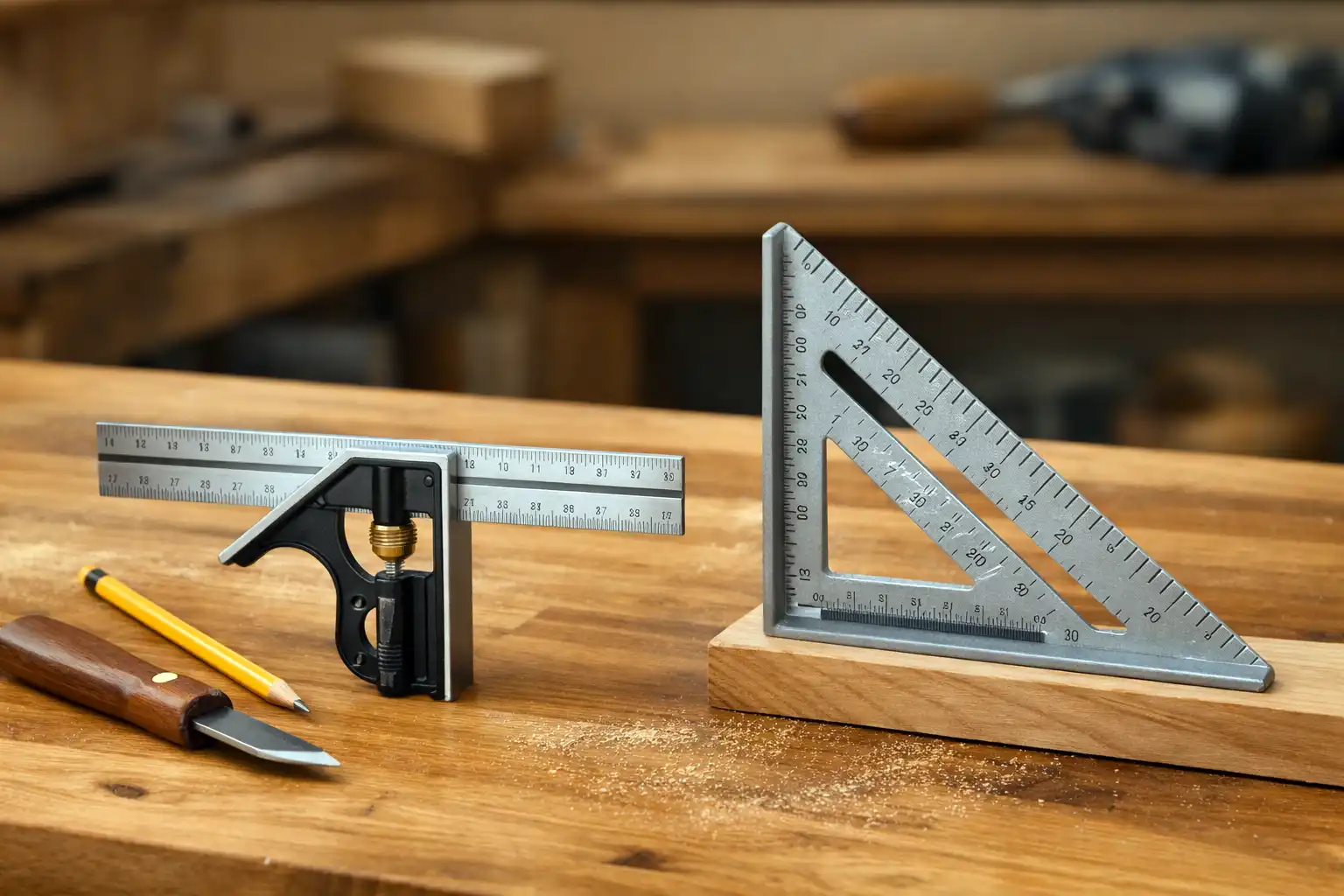
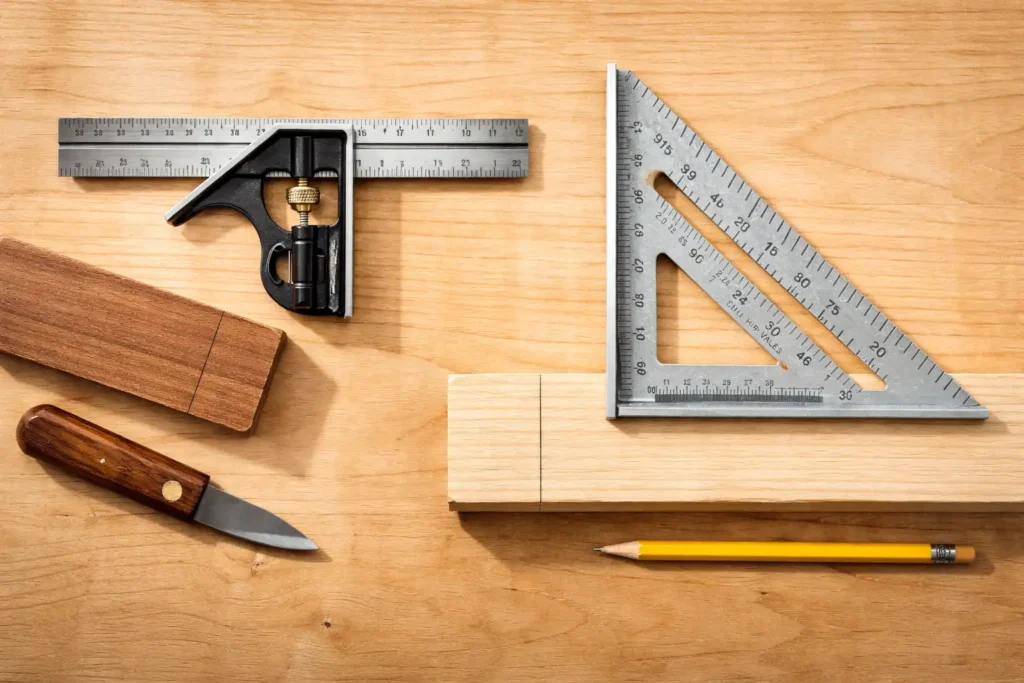
Combination square vs speed square comes down to the kind of layout work you do most. A combination square sets and repeats precise measurements for joinery, machine setup, and square lines on small parts. A speed square marks fast 90° and common roof angles on larger stock, and it guides a circular saw for short crosscuts. Most woodworkers end up using both, but one usually earns the “always on the bench” spot depending on your projects.
After you pick a square, pair it with a sharp pencil or marking knife and steady hand skills from a solid tool foundation like basic woodworking hand tools.
What is a combination square?
A combination square is a precision layout tool that uses a sliding head on a graduated rule to mark and check 90° and 45° lines while setting repeatable distances. Woodworkers use it to transfer measurements, check machine tables, set blade heights, and verify squareness on parts that demand tight tolerances.
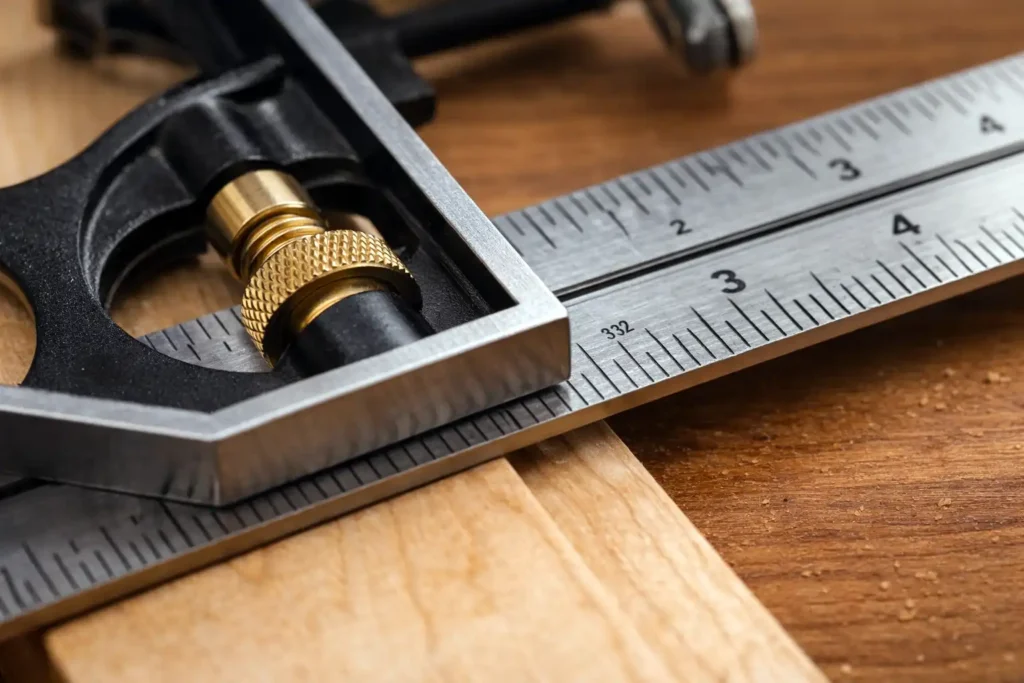
A typical set includes a steel rule and a square head that locks in place with a thumbscrew. Many sets add a center head and protractor head, but the square head does most of the daily work.
When you’re laying out cuts and checking squareness, pair your square with the best tape measure for woodworkers to keep marks consistent from the first board to the last.
What a combination square does best
- Repeats an exact measurement: Set 1-3/8 in., lock it, and scribe that shoulder line across multiple parts.
- Checks internal and external 90°: Confirm a board edge, fence, or assembled corner.
- Finds 45°: Use the miter face on the head for quick miters and chamfer layout.
- Sets depth and height: Use the rule as a depth gauge in dados or to set router bit and saw blade height.
For crisp, repeatable lines before you check angles, my marking gauge and pencil comparison guide helps you choose the right marking tool for clean layout with either square.
Where it struggles
A combination square slows down on framing-scale work. It also loses accuracy if the head gets dinged, packed with dust, or if the rule edges wear.
What is a speed square?
A speed square is a triangular rafter square that marks 90°, 45°, and common framing angles fast, and it can guide a circular saw for short cuts. Carpenters use it on studs, rafters, and sheet goods because it registers quickly against an edge and stays stable with one hand.
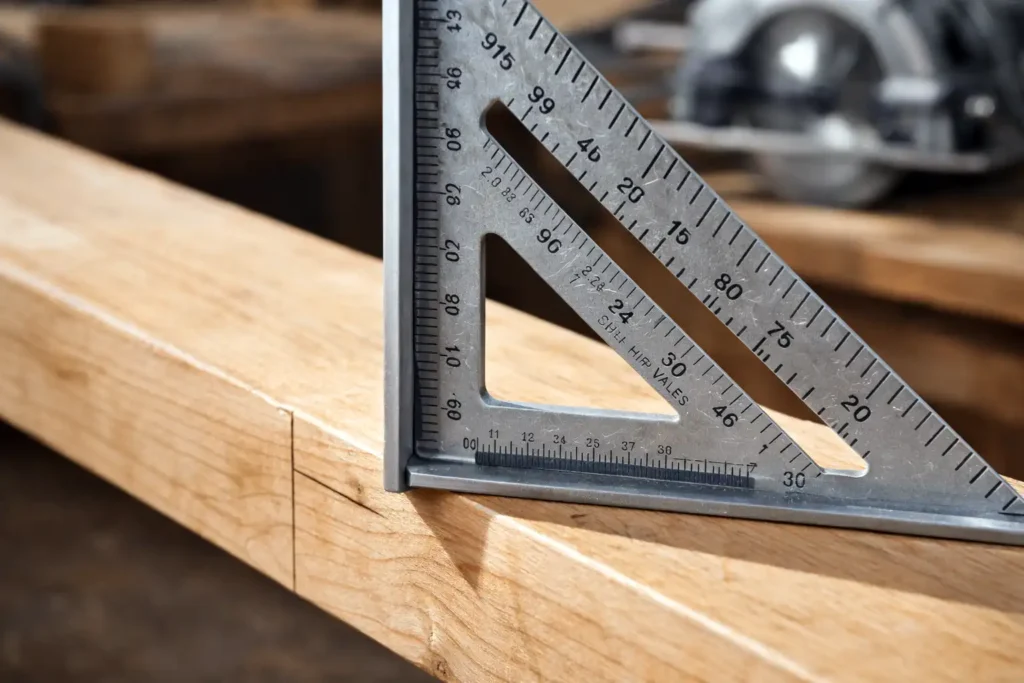
Speed squares usually have a thick aluminum or composite body, a lip (fence) that hooks an edge, and angle markings that support quick scribing.
What a speed square does best
- Fast 90° lines: Hook the lip, draw, and move on.
- Common angles: Mark 45° and roof angles without pulling out a protractor.
- Saw guide for short cuts: Guide a circular saw for quick crosscuts and trim work.
- Layout on big stock: Works well on 2x material and plywood where speed matters.
Where it struggles
A speed square is not a precision depth-setting tool. It also gets sketchy for “dead accurate” joinery layout because its markings and edges are not built for fine scribing the way a good combination square is.
Which square is more accurate for woodworking?
A combination square stays more accurate for fine woodworking because it locks to a measurement and references a machined head against a straight rule. A speed square stays accurate enough for most carpentry layout, but it prioritizes speed and durability over micro-precision on small parts.
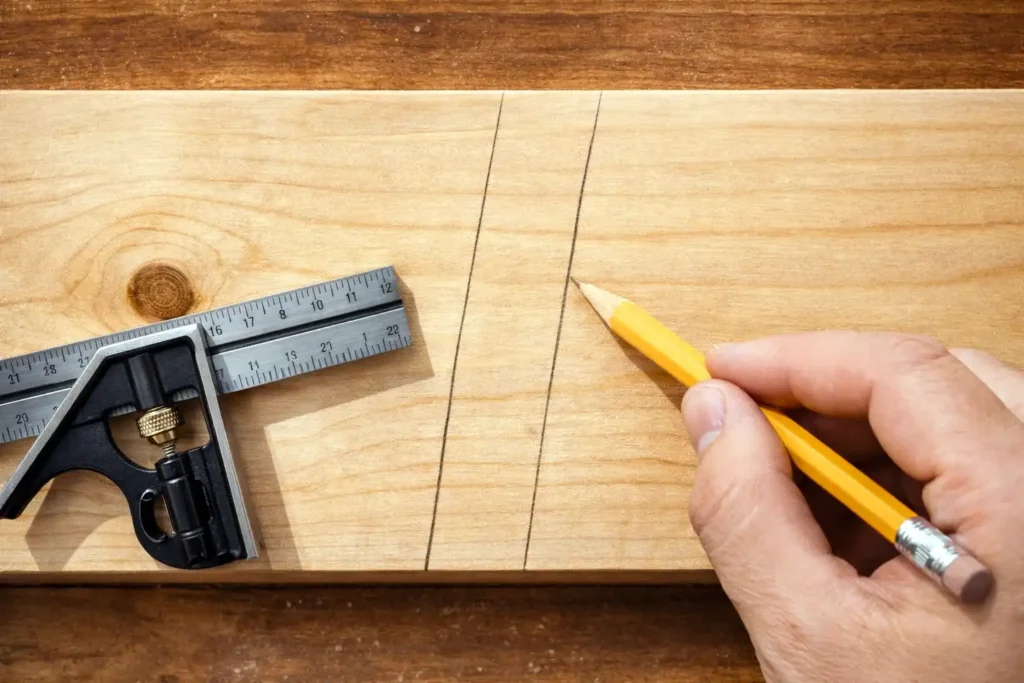
Accuracy comes down to two realities: how true the tool is out of the box, and how carefully you use it. A slight burr, dropped tool, or saw-kerf nick can move a line enough to matter in joinery.
Quick accuracy check you can do on either square
- Draw a line along the square’s edge.
- Flip the square over on the same reference edge.
- Draw a second line starting at the same point.
- If the lines diverge, the tool is out of square or your reference edge is not straight.
This flip test tells you more than a brand label does.
What jobs favor a combination square?
A combination square shines when you need repeatable measurements and clean layout on parts that fit together tightly. It earns its keep at the bench and at machines.
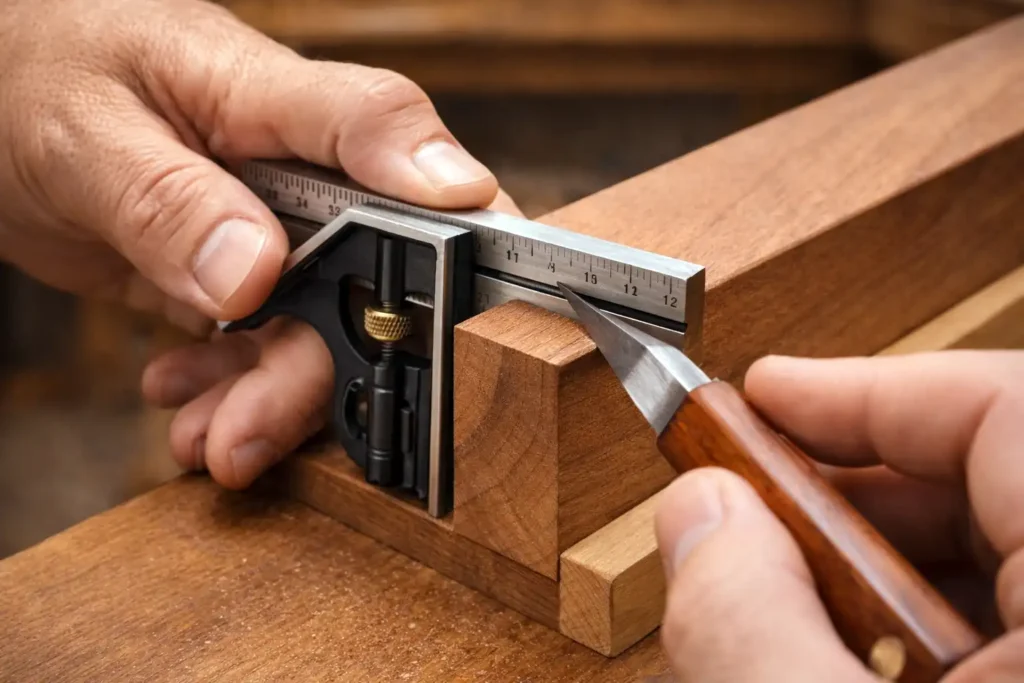
Common shop uses include:
- Marking tenon shoulders, dado locations, and rabbet lines
- Transferring a fixed reveal or offset across a set of parts
- Checking table saw blade squareness and fence alignment
- Setting drill press depth and measuring mortise depth
If you build trays, stands, cabinets, or small furniture parts, the combination square usually touches the work more often than the speed square.
What jobs favor a speed square?
A speed square wins when you need fast, consistent marking on larger stock and you want an edge guide that does not fuss around. It belongs on a jobsite and works well in a shop that does a lot of breakdown cuts.
Common uses include:
- Squaring lines across 2x lumber for rough parts
- Marking 45° corners for trim, braces, and quick miters
- Laying out roof angles (common and hip/valley references)
- Guiding a circular saw for short crosscuts and quick trimming
If you build shop fixtures, cut framing stock, or break down sheet goods on sawhorses, a speed square saves time.
Can a speed square replace a combination square?
A speed square replaces a combination square only for basic 90° and 45° marking on larger stock. It does not replace the combination square’s ability to set an exact offset, check small inside corners, or act as a depth and height gauge.
Here’s the practical way I look at it in the shop: the speed square is a fast reference for lines and saw guidance, while the combination square is a measuring and setup tool that also marks lines.
Combination square vs speed square: side-by-side comparison
| Feature | Combination square | Speed square |
|---|---|---|
| Best use | Precision layout and repeatable measurements | Fast layout and angle work on larger stock |
| Strengths | Locks to a dimension, checks squareness, sets depth/height | Hooks an edge fast, marks angles, guides a circular saw |
| Weak spots | Slower on framing-scale work | Less suited for fine joinery layout |
| Typical size | 6–12 in. rules (longer exists) | 7 in. is common (other sizes exist) |
| Shop role | Bench, joinery, machine setup | Jobsite, rough layout, quick cuts |
What should you buy first?
A combination square is the better first buy for most woodworking shops because it measures and repeats dimensions while checking 90° and 45°. A speed square is the better first buy for carpentry and circular-saw-driven work because it marks and guides cuts quickly.
If you want a simple decision rule:
- Choose a combination square if you cut joinery, tune machines, or build small parts that need tight fits.
- Choose a speed square if you break down sheet goods with a circular saw or build with 2x material.
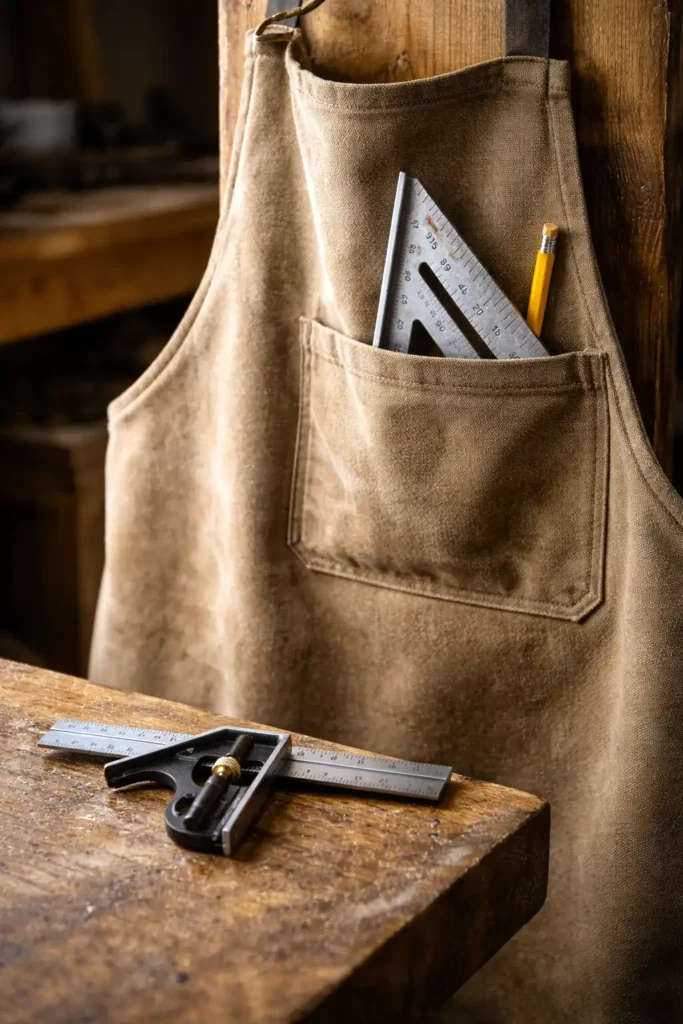
How do you use each square well without fighting it?
Good results come from clean references and consistent pressure. Both tools reward the same habits: straight reference edges, sharp marking, and stable registration.
Combination square habits that improve accuracy
- Keep the head and rule clean so the head seats flat.
- Lock the head snug, then re-check the measurement before scribing.
- Use a marking knife for joinery lines when grain makes a pencil wander.
Speed square habits that improve accuracy
- Seat the lip tight to the edge before you mark.
- Keep your pencil vertical against the edge, not angled.
- Do not use a chewed-up edge as a saw guide. Switch edges or replace the square.
Safety notes when a square becomes a saw guide
A square turns into a cutting aid when you guide a circular saw along it. That is useful, but it adds risk if your hand rides too close to the blade path. Keep your support hand behind the saw’s travel line, clamp the square when the cut feels cramped, and stop using a square as a guide if the edge has deep nicks that can steer the saw.
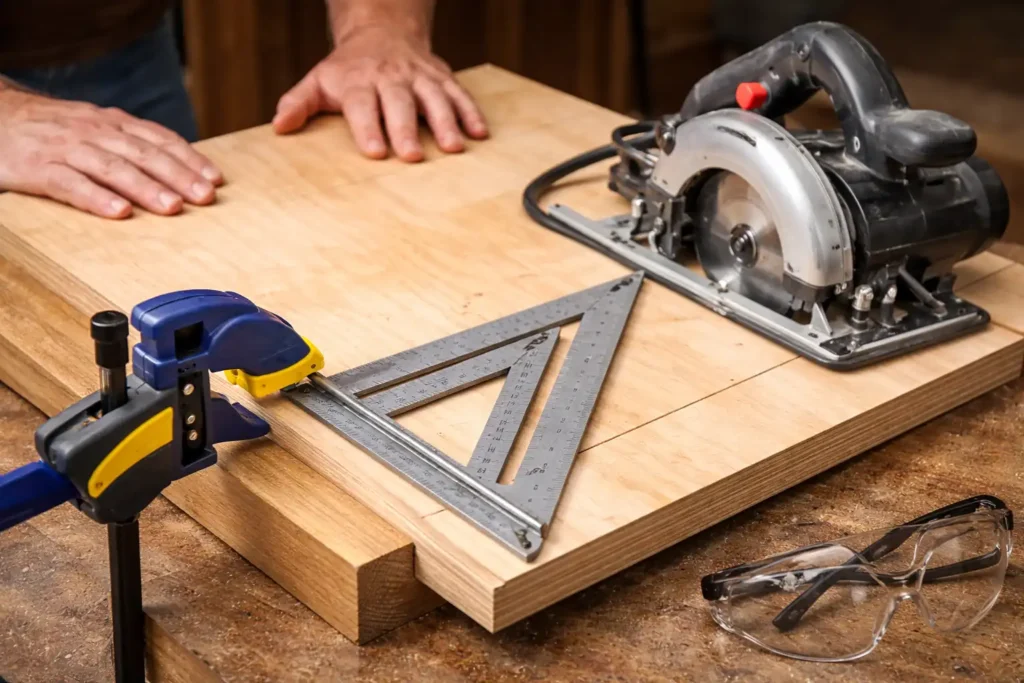
For a quick refresher on protecting eyes, ears, and lungs during layout-to-cut transitions, see shop safety essentials.
Bottom line
A combination square serves precision work: measuring, repeating offsets, and checking setups. A speed square serves fast layout and angle marking on bigger stock, and it can guide quick circular-saw cuts. If your projects live at the bench, start with a combination square. If your work lives on sawhorses, start with a speed square.